Adobe Premiere Pro Video Editing Course Beginner to Pro

- Descrição
- Currículo
- FAQ
- Revisões
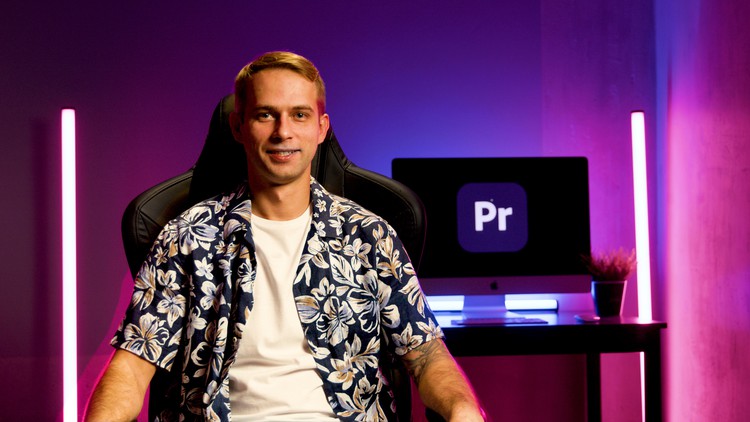
The Adobe Premier Pro 2024 is known as the most popular tool for video editing.
It is used by YouTube bloggers and editors of big movies. With Adobe Premier Pro CC you will learn how to work with dynamic editing, color correction, effects and sound design. Moreover, you will gain important post-production skills, study current trends in video industry and specific formats of well-known websites with video content, such as YouTube, Instagram, TikTok, etc.
We have collected a lot of useful information so that you can master this profession from scratch and be able to create cool videos for yourself or for the great public. The course consists of more than 80 lessons, total duration is more than 8 hours.
You can get a wide range of possibilities: editing video, video effects, color correction, video stabilization, creating titles, proxy, exporting material, keying, multi-camera, synchronization working with audio effects, transitions and much more. The wide functionality of the Adobe Premier Pro program will become possible with knowing extensive interface, which requires serious study.
Purchase our Online Course in order to expand your opportunities. Take the chance to become a part of a Video Production or work for Agencies and Media companies.
Our video editing online course on Adobe Premiere Pro are very simple and really useful. We are sure that during the course you will gain new skills and practice them.
Almost every diligent and creative person has the opportunity to start making money on movie editing. It can become both a good part-time remote job and the main source of income. It all depends on your desire and abilities.
Also, our projects were included in the shortlists of the Cannes Lions and received many awards from domestic festivals.

-
14
 Insert. Overwrite. Three-point editing.
 -
15
Editing with Tools
-
16
Keyboard Editing
-
17
NumLock and SyncLock
-
18
Match Frame and Reverse Match Frame
-
19
Speed. Duration. Inter-Frame Interpolation.
-
20
Freeze Frame
-
21
Effect and Motion Controls
-
22
Animation and Point Interpolation
-
23
Opacity and Animation of Points on Timeline
-
24
Time Remapping
-
25
Marking Up Material with Markers and Labels
-
26
In-Project Rendering. Features.
-
34
Keyboard Settings
-
35
Applying Effects. Master Effects.
-
36
Masks. Tracking Masks.
-
37
Video Transitions
-
38
Morph Cut
-
39
Adjustment Layer and Presets
-
40
Effects: Obsolete Effects, Invert, Solid Composite
-
41
Working with Titles
-
42
Effects: Tint, Offset, Transform
-
43
Effects: Warp Stabilizer
-
44
Effects: Generators
-
45
Effects: Luma Key
-
46
Effects: Ultra Key
-
47
Effects: Track Mettre Key
-
48
Effects: All the Rest
-
54
Ingest Workflow
-
55
Creating and Working with Proxies
-
56
Sync by Sound and Merged Clips
-
57
Working with a Multi-Camera
-
58
Premiere Settings
-
59
Render & Replace
-
60
Export Media: Container, Codec, Bitrate
-
61
Export Media: Effect & Publish
-
62
Media Encoder
-
63
Project Manager
-
64
Opening Many Projects. Shared Project. Project Locking.